Start using your new debit card today
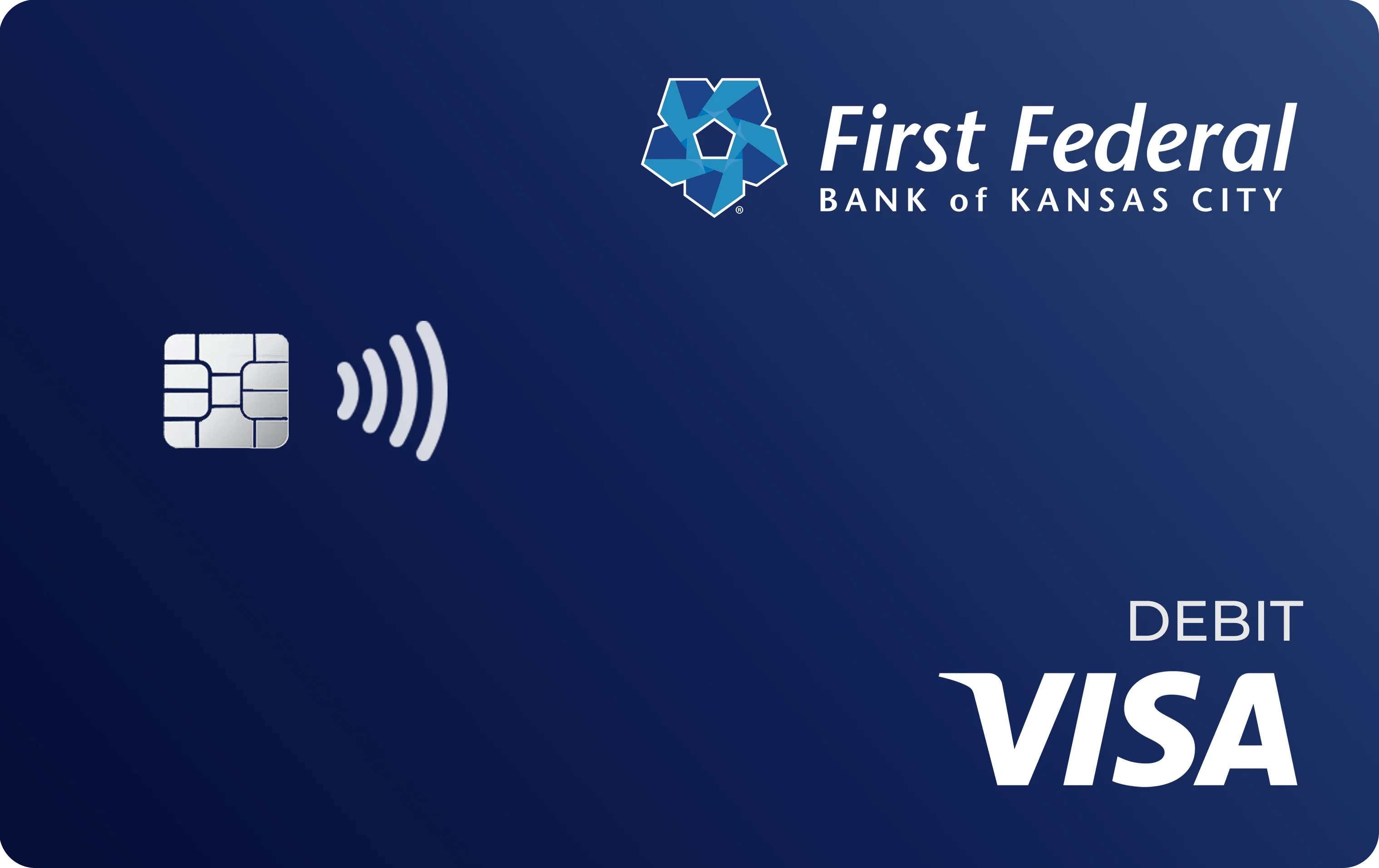
Activate your new First Federal Visa® debit card today and access improved banking benefits.

Enjoy freedom and functionality with your new Visa debit card
Your new First Federal Bank of Kansas City Visa debit card is on its way! This card replaces your current First Federal Debit card, which expires on April 24, 2026. Make sure to take the necessary steps to activate your new card so you can avoid missed payments and enjoy its valuable financial tools and benefits!
What to do once you receive your new Visa card
1. Activate your new card
As soon as you receive your new First Federal Visa card, you will see a 1-800 number on a sticker on the front of your new card. Call this number to activate your new card. If you activate your new card online, you will still need to call the 1-800 number to set up your PIN. The number is 1-800-290-7893.
2. Destroy and discard your current card
Dispose of your old debit card by cutting it into pieces with scissors for security purposes.
3. Update your payment and billing information
You'll need to update your card information for any recurring payments you have set up, such as payments for utilities, streaming services, and other bills that are paid automatically using your card number. Here’s a helpful list of vendors where you may have automatic payments set up using your debit card:
- Mobile phone
- Cable and internet service providers
- Streaming services
- Insurance companies
- Food delivery services
- Utilities
- Subscription services
- Any online merchants where you shop regularly
If you're having trouble keeping track of all the places you use your First Federal debit card, a good next step may be to log into your account in online banking or the FFBKC app and review your past charges.
4. Start using your new debit card
Debit is perfect for everyday purchases, monthly expenses, and everything in between. Enjoy the benefits of your new First Federal Visa debit card today!
Your new debit card can also be added to Apple Pay®, Google Pay™, Samsung Pay®, and other popular mobile wallets.2 Mobile wallets keep your information secure and make checkout as easy as tap, pay, done.
Haven’t received your new debit card? Please contact us at customeradvisorycenter@ffbkc.com or (816) 241-7800.
Check out the advantages of your new Visa debit card
Worldwide Acceptance at millions of locations in more than 200 countries and territories
Visa’s Zero Liability Policy1 to protect you from unauthorized use of your account
24/7 fraud protection with Real-Time Fraud Monitoring with Visa
Contactless technology offers a quick, secure, touch-free way to pay
Add it to your mobile wallet to keep your information secure and make checkout as easy as tap, pay, done
Your new First Federal Visa card is the perfect way to pay for everyday purchases, monthly bills, or anything else you need!
Take control of your new debit card
You can manage your new Visa card from within online banking or your FFBKC mobile app. Simply navigate to “Card Management” in the side menu to set card controls. With Card Management, you can:
- Turn your card on or off.
- Set spending limits by dollar amount, transaction type, or merchant type.
- Receive instant alerts for certain activities, such as declined transactions.
- Set a specific geographic area where your card can be used or limit use based on your mobile device’s location.
- More!
Even if you have already used Card Management, you will need to set up any alerts or other settings once you get your new card.
Get the app!


Frequently Asked Questions
Why is my debit card being updated?
First Federal Bank of Kansas City is updating our debit cards to Visa debit cards to provide you with valuable financial tools and benefits associated with your debit card. We hope you’ll enjoy the enhanced services of your new Visa debit card.
Will my account terms change?
No. Your basic account terms will stay the same.
Can I still access my account at the ATM?
Yes. Your new card will work at our First Federal ATMs as well as the over 80,000 MoneyPass® and Allpoint® ATMs in our network.
How do I get my new card?
Simply make sure your address is up to date by February 11 and we will mail you your new debit card on February 23. You can expect your card to arrive shortly thereafter.
How do I activate my new Visa debit card?
- When you receive your new card, you will see a 1-800 number on a sticker on the front of your card. Call this number to activate your new card.
- Once your new card is activated or 60 days following February 23rd (whichever comes first), your old First Federal debit card will be deactivated and will no longer function.
How do I change my PIN for my new Visa debit card?
When you receive your new card, you will see a 1-800 number on a sticker on the front of your card. Call this number to activate your new card. You will be prompted to enter a PIN for your card. Your new pin can be the same as your old PIN.
What will happen with automatic/recurring bill payments on my card?
Once you receive your new card, you’ll need to update your new account number, expiration date, and PIN and security card to merchants who regularly bill this account. This may include wireless, cable and internet providers, steaming services, utilities and subscription services, as well as online merchants where you shop regularly.
1 Visa’s Zero Liability policy does not apply to unauthorized transactions on prepaid cards for which First Federal Bank of Kansas City has not collected the cardholder’s personal information prior to the transaction or to certain commercial card transactions. Cardholders must use care in protecting their card and notify First Federal Bank of Kansas City immediately of any unauthorized use. Cardholders should contact First Federal Bank of Kansas City for additional details.
2 Samsung Pay® is a registered trademark of Samsung Electronics Co., Ltd. Apple and Apple Pay® are registered trademarks of Apple Inc. Google Pay™ is a trademark of Google LLC.